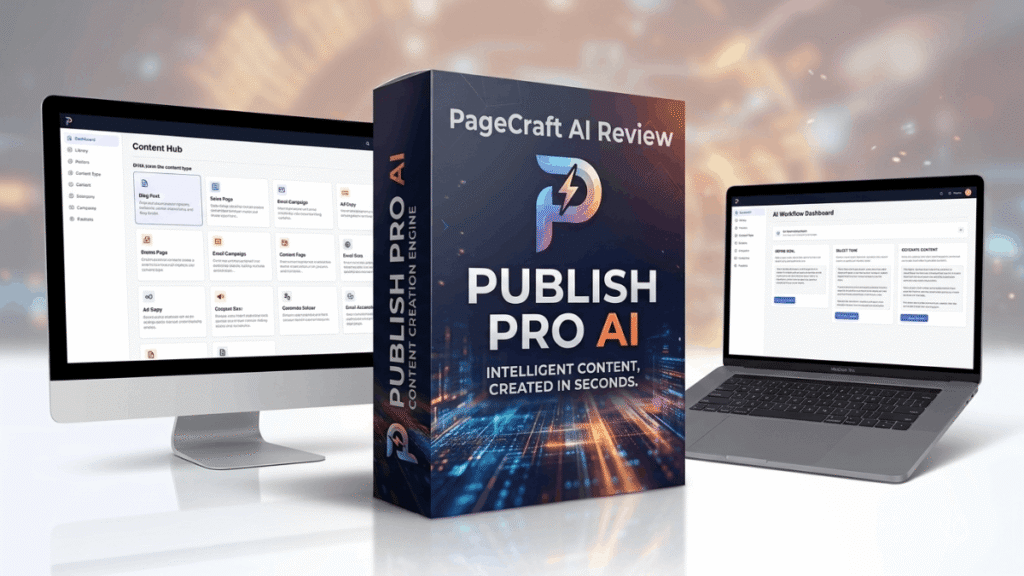
A Real-World PageCraft AI Review: Can You Really Build a Sales Page in Minutes?- I’ve spent years in the affiliate marketing world, and if there is one thing I hate, it’s the “blank page” problem. You finish a great product, but then you have to sell it. Suddenly, you aren’t just a creator anymore. You have to be a copywriter, a designer, and a coder all at once. It’s exhausting. That is why I wanted to put together this PageCraft AI Review. I recently got my hands on this software to see if it actually lives up to the promise of turning a finished product into a professional sales page in under ten minutes.
Building a funnel used to mean two things: spending thousands on a freelancer or paying a monthly fee for a complicated page builder. Neither option is great for a solo seller. When I heard about PageCraft AI, the “one-time price” and “local browser” aspect caught my eye. In this review, I’m going to walk you through exactly what this tool does, how I used it, and whether it’s worth your nineteen bucks.
What is it?
At its heart, PageCraft AI is a local browser application designed for solo sellers who need high-converting sales pages without the headache. It isn’t a traditional website builder where you drag and drop boxes for six hours. Instead, it acts as a “bridge” between your product and powerful AI tools like ChatGPT or Claude.
The app lives as a file on your computer and runs in your browser, meaning your data stays private and you don’t have to deal with monthly subscriptions. It gathers all your product details, your brand style, and your favorite copywriting methods. Then, it creates a “mega-prompt”—a massive set of instructions that you give to an AI. The AI then gives you back a finished, animated HTML sales page that you can host anywhere you want.
How does it Work?
Using this software is a straightforward four-step process. I found it surprisingly logical, even if you aren’t a “tech person.”
Add Your Product: You start by telling the app what you’re selling. You can answer guided questions about your audience’s pain points and your product’s results, or just give a short description.
Choose Your Direction: This is my favorite part. You pick from 38 different copywriting approaches. These are based on real-world sales methods, so the AI doesn’t just guess what to write; it follows a proven script.
Add Visual Direction: You choose your colors, fonts, and brand details. If you use WarriorPlus, you can even paste your buy button code here, and the app ensures the AI places it perfectly inside the design.
Generate the Page: The app gives you one big instruction. You copy and paste this into ChatGPT or Claude. A few seconds later, you get a block of HTML code back. You paste that code back into PageCraft AI to save it, and you’re done.
Overview
Here is a quick breakdown of what you get with PageCraft AI:
- Product Name: PageCraft AI
- Creator: Abdelhay Bel (MyPublishingHub)
- Price: $19 (One-time payment during the launch phase)
- Type: Local Browser App / HTML Page Generator
- Official Website: Click Here
- Bonuses: 6 Launch Bonuses + Funnel Pages AI
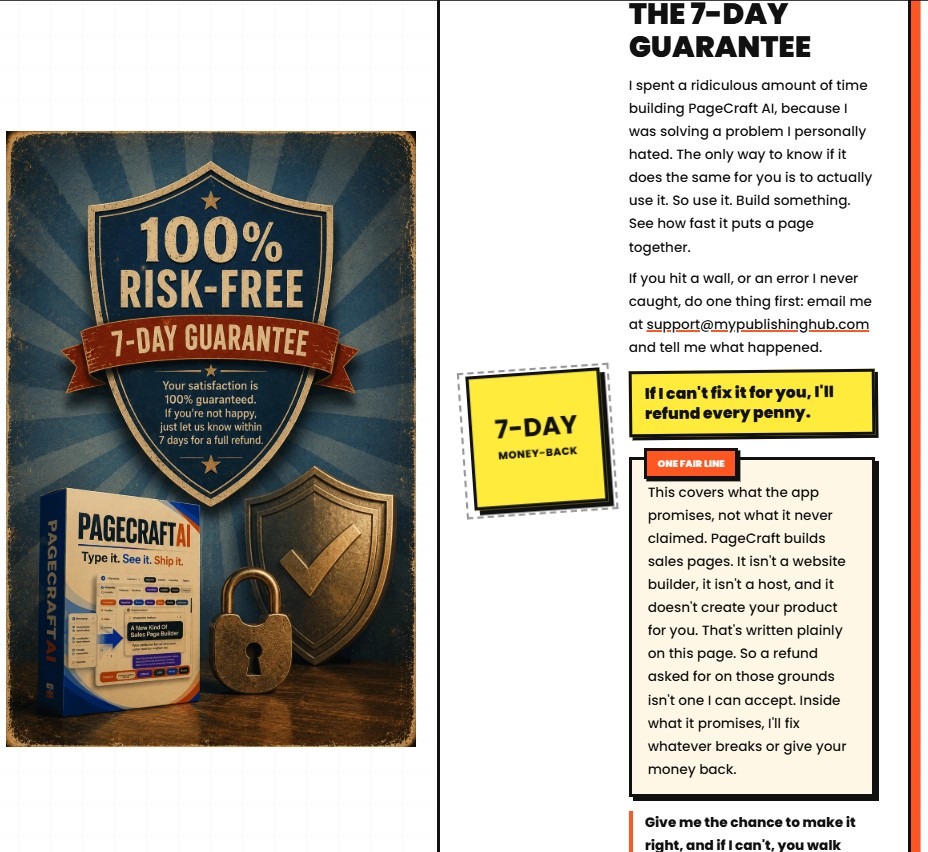
- Guarantee: 7-Day Money-Back Guarantee
- Skill Level: Beginner to Intermediate
Features
This isn’t just a simple prompt generator. It has some “under-the-hood” features that make a big difference:
Three Creation Paths: You can use “Guided Questions” if you’re stuck, a “Quick Path” for fast launches, or a “Full-Copy Path” if you already wrote your words and just need a better design.
38 Copywriting Approaches: These cover everything from emotional storytelling to hard-hitting logic-based sales.
Full Animated Planning: The app doesn’t just plan the text; it tells the AI how to use movement, transitions, and cards to keep the reader engaged.
Exact Button Protection: This is huge for affiliate marketers. It protects your specific purchase link code so the AI doesn’t break it.
Local Privacy: Since it runs locally, nothing you type leaves your computer until you decide to paste it into an AI.
300+ Effects: With the included Effects Picker, you can add image galleries, animated backgrounds, and interactive sections easily.
Benefits
Why would you use this instead of just asking ChatGPT to “write a sales page”?
First, the quality of the copy is much higher. General AI usually sounds robotic. PageCraft AI forces the AI to use specific “buyer frustrations” and “mechanisms” that you provide. Second, the design is handled for you. You don’t have to worry about mobile responsiveness or layout; the app includes those instructions in the final prompt.
Third, and perhaps most importantly, is ownership. You get a finished HTML file. You aren’t tied to a platform like ClickFunnels or Wix. If you stop paying a monthly fee elsewhere, your pages often vanish. With this, you keep every page you make forever.
Bonuses
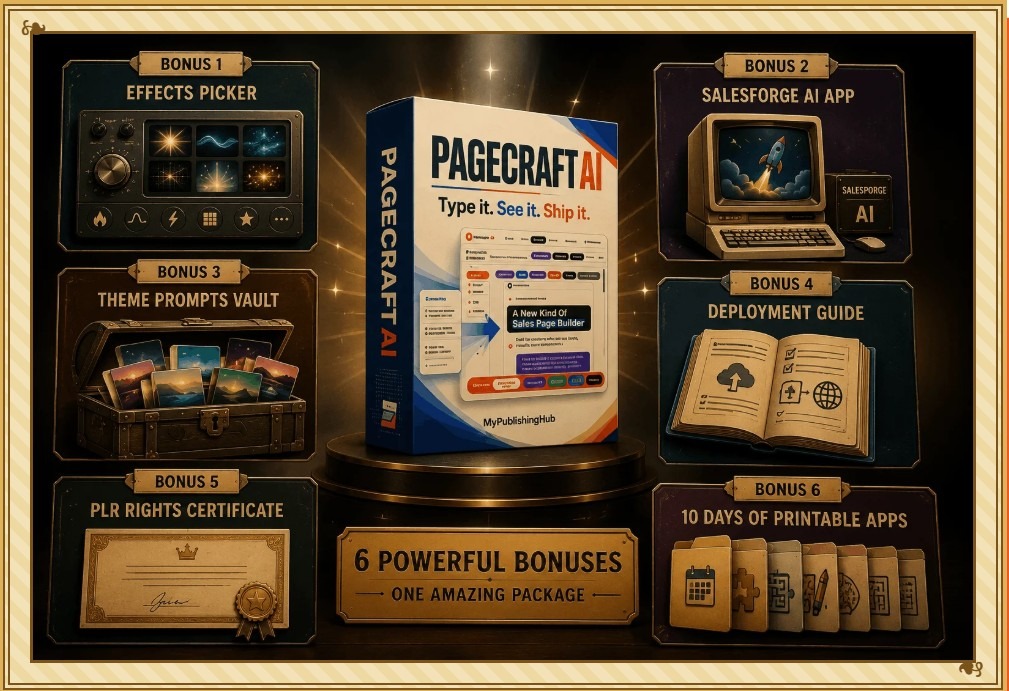
When you grab this during the launch, you get a massive pile of extras that actually add value. Here is what is included:
Funnel Pages AI: This was added recently. It builds the “smaller” pages that sit around your sales page, like Thank-You pages, Delivery pages, and Bridge pages.
PageCraft Effects Picker: Access to over 300 visual effects to make your pages pop.
SalesForge AI App: This was originally going to be its own standalone product, but it’s included as a bonus now.
Theme Prompts Vault: Reusable prompts for different visual styles so you don’t have to rethink your design every time.
Full PLR Rights: You get the rights to sell or give away the pages you build.
10 Printable Apps: A collection of tools for creating printable products.
Image Hosting Guide: Clear instructions on where to host your images for free or cheap so your pages load fast.
Who needs it?
I think this tool is a “must-have” for a few specific types of people:
Solo Sellers: If you are a one-person show, you don’t have time to learn coding.
Course Creators: You’ve spent months on your content; you shouldn’t spend another month on the sales page.
Affiliate Marketers: The Bridge page feature in Funnel Pages AI is perfect for warming up traffic before sending them to an offer.
AI-First Sellers: If you already use ChatGPT but are tired of getting generic results, this will “level up” your prompts.
Privacy-Minded Creators: If you don’t want your offer details sitting on a corporate server, the local browser setup is perfect for you.
What can be done with it?
The possibilities are pretty wide. Using the main app and the Funnel Pages AI bonus, you can build an entire sales system:
High-Converting Sales Pages: Complete with headlines, proof sections, and animated offers.
Bridge Pages: These “hook” a visitor from an ad or email and explain why an offer matters before they see the buy button.
Thank-You Pages: These confirm a sign-up and tell the customer exactly what to do next.
Delivery Pages: These provide clean, easy-to-use download buttons for your digital products.
Product Walkthroughs: You can create pages that feature videos and clean blocks of text to explain how your bundle works.
Customer perspective
One thing I noticed while looking through the creator’s notes was how well they addressed real-world concerns. For example, many people say, “I’ve already received bad copy from AI”. The response here is that the AI only gives bad copy because it has a bad assignment. PageCraft AI gives it a detailed assignment.
Another common fear is “I have no design or coding skills”. Since the final instruction handles the layout and the code, you really just need to be able to copy and paste. It’s built for the person who wants to focus on their product, not on learning HTML or color theory.
Pros and Cons
Pros:
- One-Time Price: No monthly bills hanging over your head.
- Speed: You can go from an idea to a finished HTML file in about 10 minutes.
- Flexibility: Works with any “capable” AI like ChatGPT or Claude.
- Privacy: It’s a local app, so your projects stay on your computer.
- Bonuses: The Funnel Pages AI and PLR rights are huge additions.
Cons:
- Requires External AI: You do need a ChatGPT or Claude account to actually generate the code.
- Not a Website Host: It builds the pages, but you still need a place to upload the HTML file (though the Image Hosting Guide helps with this).
- Limited Refund Window: The money-back guarantee is 7 days, which is shorter than some other software.
FAQs
Q: Is PageCraft AI a monthly subscription? A: No. It is currently a one-time payment of $19, which gives you lifetime access with no recurring charges.
Q: Do I need to know how to code to use this? A: Not at all. The app creates the code for you. You just copy the instructions into an AI and paste the result back into the app.
Q: Can I use the pages for my clients? A: Yes. The launch offer includes a PLR Rights Certificate, allowing you to sell, give away, or package the pages you build.
Q: What happens if I get stuck? A: The package comes with a walkthrough video and a self-filling demo. You can also reach out to their support email for direct help.
Q: Does it work on mobile? A: Yes. The instructions given to the AI specifically tell it to handle mobile layouts so your pages look great on phone screens.
Conclusion
If you are tired of staring at a blank screen or paying hundreds of dollars for a page builder you barely use, this tool is a breath of fresh air. This PageCraft AI Review has shown me that you don’t need a huge budget to look professional. For a one-time fee of $19, you get a repeatable path to creating high-quality sales funnels that you actually own.
The fact that it includes Funnel Pages AI and a massive library of effects makes it an incredible value for any solo seller. It’s fast, it’s private, and it works. If you have a product ready to go, there’s no reason to wait another week to build its sales page. You could literally have it finished today.
Affiliate Disclosure: This review contains affiliate links, which means I may earn a small commission if you click through and make a purchase. This comes at no additional cost to you and helps me continue to provide in-depth reviews like this one. I only recommend products I believe offer genuine value to my readers.